The Ultimate AI Influencer Photoshoot Guide (2025 Edition)
AI influencers in 2025 can create high-end “photoshoot quality” images without a camera, studio, or model. The entire process is digital — but the results look real, aesthetic, and brand-ready.
This guide shows you how to plan, create, and edit a full AI photoshoot from scratch, using the same workflow behind Nyra, the luxury AI businesswoman from hustlewithnyra.com.
If you’re new to AI influencers, start with this guide first:
How to Create an AI Influencer (Beginner Guide).
🟡 Step 1 — Choose Your Photoshoot Aesthetic
Every photoshoot begins with a vibe. Pick ONE strong theme for maximum consistency:
- Luxury / Dubai aesthetic (rooftops, hotels, golden tones)
- Businesswoman editorial (office, desk, city skyline)
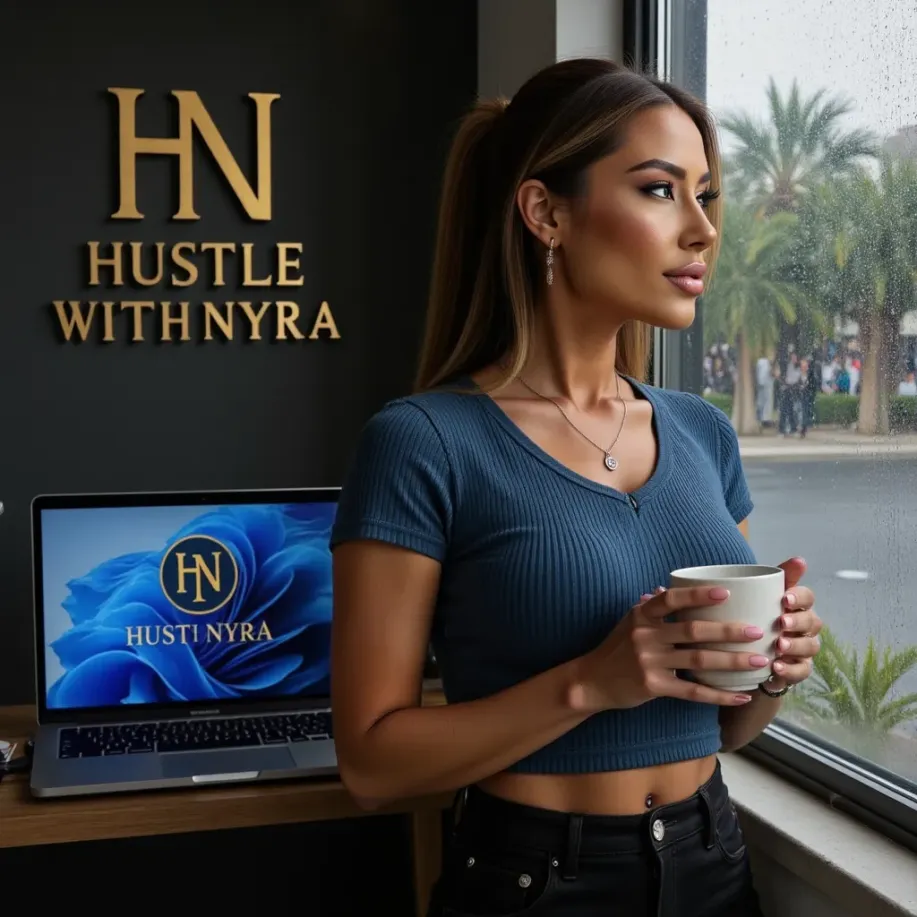
- Lifestyle café / travel (streets, coffee shops, nature)
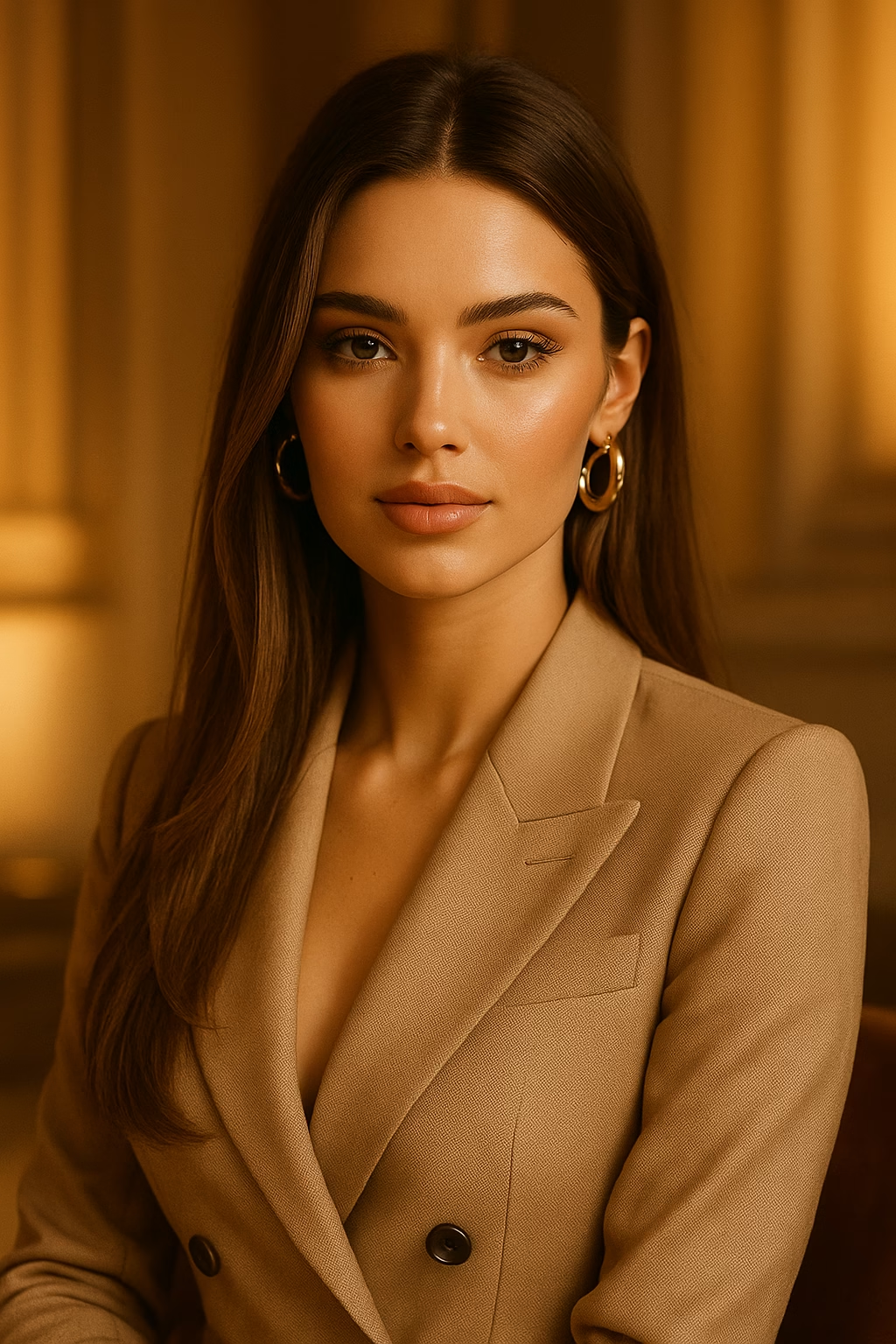
- Soft glam beauty (close-ups, warm makeup, hair shine)
- Fitness / activewear (gym, running, outdoors)
Your aesthetic must match your AI persona. If you haven’t defined one yet, follow this:
AI Influencer Branding Guide (Build the Persona).
🟡 Step 2 — Create Your Photoshoot Shot List
Real influencers plan their shots — AI influencers need the same structure.
Here is a perfect shot list for a full photoshoot:
- 3–5 portraits (headshots)
- 3 lifestyle angles (walking, sitting, candid)
- 2 detail shots (hands, jewelry, makeup)
- 2 full-body outfit shots
- 2 “signature pose” shots
- 2 environment/backdrop shots
You can use this with any AI model for consistency — or follow the full photoshoot workflow here:
AI Content Workflow: How Nyra Produces 20 Posts Daily.
🟡 Step 3 — Generate the Photos in Midjourney (or DALL·E)
Here is the perfect premium prompt for AI photoshoot content:
ultra realistic portrait of a luxury ai influencer woman, cinematic photography, golden hour lighting, high-end fashion outfit, smooth skin, depth of field, editorial photo, expensive look aesthetic
For consistency, keep the same:
- face
- hair style
- lighting
- background mood
If your AI face keeps changing, follow this:
How to Keep Your AI Influencer’s Face Consistent.
🟡 Step 4 — Upscale and Polish (Magnific AI)
Magnific makes photoshoot-quality results look ultra-real:
- enhances skin texture
- sharpens eyes & lashes
- improves lighting & shadows
- adds premium detail to jewelry & outfits
This step transforms your AI photos from “AI looking” to “real model quality”.
🟡 Step 5 — Mobile Luxury Editing (CapCut)
Use the same luxury mobile workflow as in the editing guide:
- Temperature: +4 (warm luxury tone)
- Glow: +10
- Highlights: +15
- Vibrance: +10
- Clarity: +10
Full details here:
Luxury AI Influencer Editing Guide (Mobile Only).
🟡 Step 6 — Build a Photoshoot Set (20–30 Images)
A complete photoshoot should include:
- 10 portraits
- 5 lifestyle/POV shots
- 5 full-body looks
- 3 detail shots
- 2 environment images
This set becomes your full posting library for IG, TikTok, and Threads.
🟡 Step 7 — Turn Your Photos Into Reels & TikToks
AI photoshoots perform best when turned into:
- aesthetic slideshows
- before → after transitions
- POV luxury edits
- motivational overlays
This strategy is directly from:
How to Grow an AI Influencer on TikTok (Nyra’s Strategy).
⭐ Conclusion
AI photoshoots in 2025 combine creativity + AI tools + strong editing. With good planning and luxury color grading, your AI influencer can look as premium as real models — without cameras, lights, or studios.
If you want custom AI influencer creation, luxury photoshoots, or full branding packages:
👉 hustlewithnyra.com
⭐ FAQ
How many photos do I need for a full photoshoot?
20–30 high-quality images.
Can I do everything from my phone?
Yes — all tools work on mobile.
Which aesthetic works best?
Luxury, lifestyle, businesswoman, and soft glam are top-performing niches in 2025.