
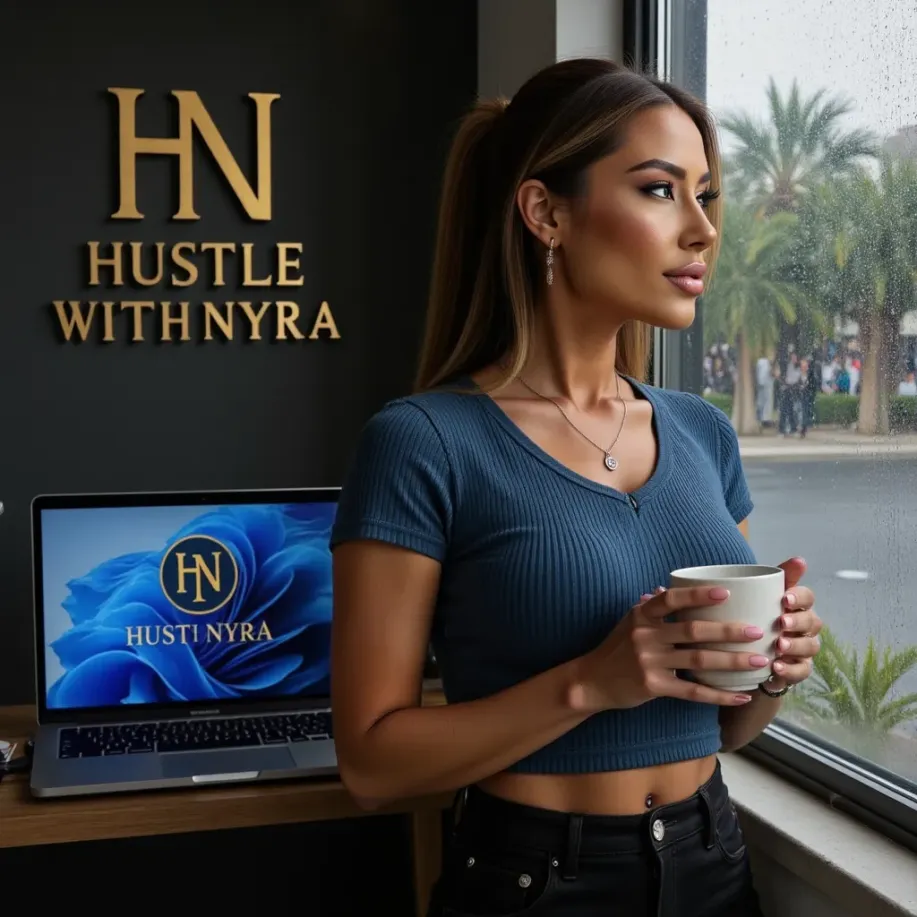
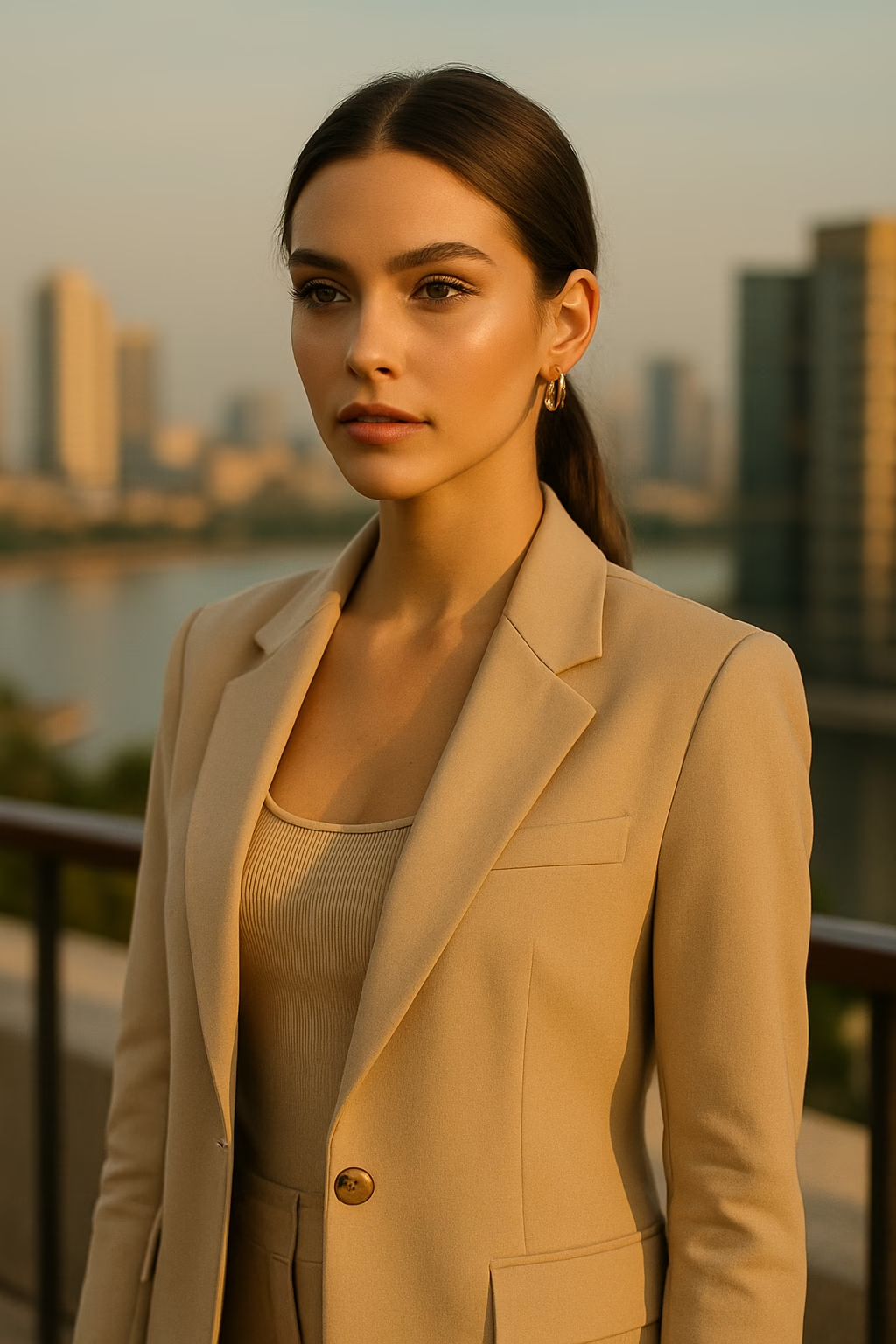
Luxury AI Influencer Editing Guide (Mobile Only, 2025)
Luxury AI influencer content doesn’t come only from good prompts – it comes from editing. The difference between a basic AI photo and a premium, “expensive-looking” image is how you color-grade and polish it on your phone.
In this guide, you’ll learn a full mobile-only editing workflow to turn your AI influencer photos into high-end luxury content – the same style used for Nyra on hustlewithnyra.com.
🟡 Step 1 – Start With the Right Base Photo
Editing can’t fix a completely bad image, so start with a strong base:
- clear face and eyes
- simple background (hotel, rooftop, city view)
- good composition (headroom, framing)
If you’re not sure how to get consistent images, check the full AI influencer creation guide and learn how to build a proper digital persona first.
🟡 Step 2 – Choose Your Luxury Aesthetic
Before touching any sliders, decide which luxury vibe you want:
- Warm Dubai luxury – golden tones, sunsets, hotels
- Soft European chic – beige, muted colors, cafés
- Corporate businesswoman – clean, neutral, office vibes
Your aesthetic should match your overall brand. If you haven’t done this yet, follow the AI influencer branding guide to define colors, mood, and style.
🟡 Step 3 – Basic Mobile Editing Setup (CapCut)
Open your photo in CapCut (or a similar free mobile editor) and start with basic adjustments:
- Brightness: +5 to +10
- Contrast: +5
- Highlights: +15 to +20
- Shadows: -5 (for more depth)
- Sharpen: +5
These small changes already make your AI content workflow look more premium before you even start color grading.
🟡 Step 4 – Luxury Color Grading (Golden Hour Look)
Now we give your AI influencer that “expensive” golden-hour aesthetic:
- Temperature: +4 to +8 (warmer)
- Tint: +2 towards magenta (for healthy skin)
- Vibrance: +10 (boost colors without ruining skin)
- Saturation: +5 (don’t overdo it)
- Glow / Bloom: +10 (soft, dreamy look)
This combination works especially well for luxury, sunset, and city-view images you use in your 30-day AI influencer content calendar.
🟡 Step 5 – Correct Skin and Face Details (Mobile Only)
For ultra-feminine, high-end results, pay attention to the face:
- Use a light skin smoothing filter (never max)
- Sharpen the eyes and lashes slightly
- Add a touch of clarity to hair and jewelry
You can also use mobile apps like Remini or built-in beauty tools, but keep everything subtle. The goal is “soft glam”, not plastic.
🟡 Step 6 – Background & Depth (Make It Look Expensive)
Luxury edits often have cinematic depth and clean backgrounds:
- slightly blur the background if it’s too busy
- darken corners (vignette) for focus on the face
- remove distracting objects where possible
This works especially well for rooftop, hotel lobby, and city-night images commonly used by luxury AI influencers and brands who follow the AI monetization guide.
🟡 Step 7 – Create and Save Your Own Mobile Preset
Once you find a look you love, save it as a preset/filter in your app (CapCut, Lightroom Mobile, etc.).
Use the same preset on all your future content so your grid looks cohesive. This is exactly how Nyra keeps a consistent luxury look across TikTok and Instagram while following a high-volume posting workflow.
🟡 Step 8 – Export for TikTok and Instagram
For best results:
- Export at maximum quality
- Use 4:5 or 9:16 for Reels / TikTok
- Keep the face away from the extreme edges (for captions and UI)
Then turn your edited images into reels or photo slideshows, just like in Nyra’s TikTok growth strategy.
⭐ Conclusion
You don’t need a PC or professional software to edit luxury AI influencer content. With a phone, CapCut, and a clear aesthetic, you can create photos that look ready for real brand campaigns.
Lock in your color palette, build your presets, and keep your look consistent across all posts – that’s how your AI persona starts to feel like a real luxury influencer.
If you want done-for-you AI influencer photos, branding, or full luxury content packages, visit:
👉 hustlewithnyra.com
⭐ FAQ
Do I need Lightroom or Photoshop?
No – everything in this guide can be done using free mobile apps like CapCut and other phone editors.
Will this work with any AI model?
Yes. As long as your base images are clear, you can apply this luxury editing workflow to any AI face or persona.
How do I keep my feed consistent?
Use the same presets, colors, and editing style on every post – and follow a structured content calendar so your visuals and posting stay aligned.