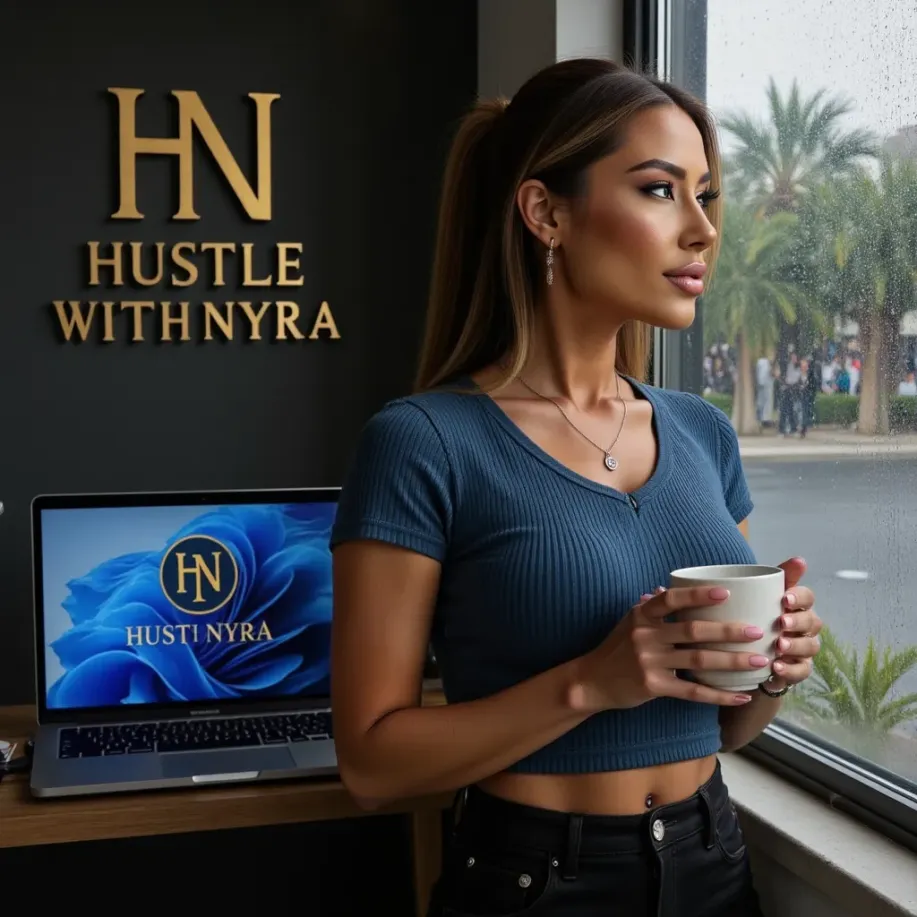
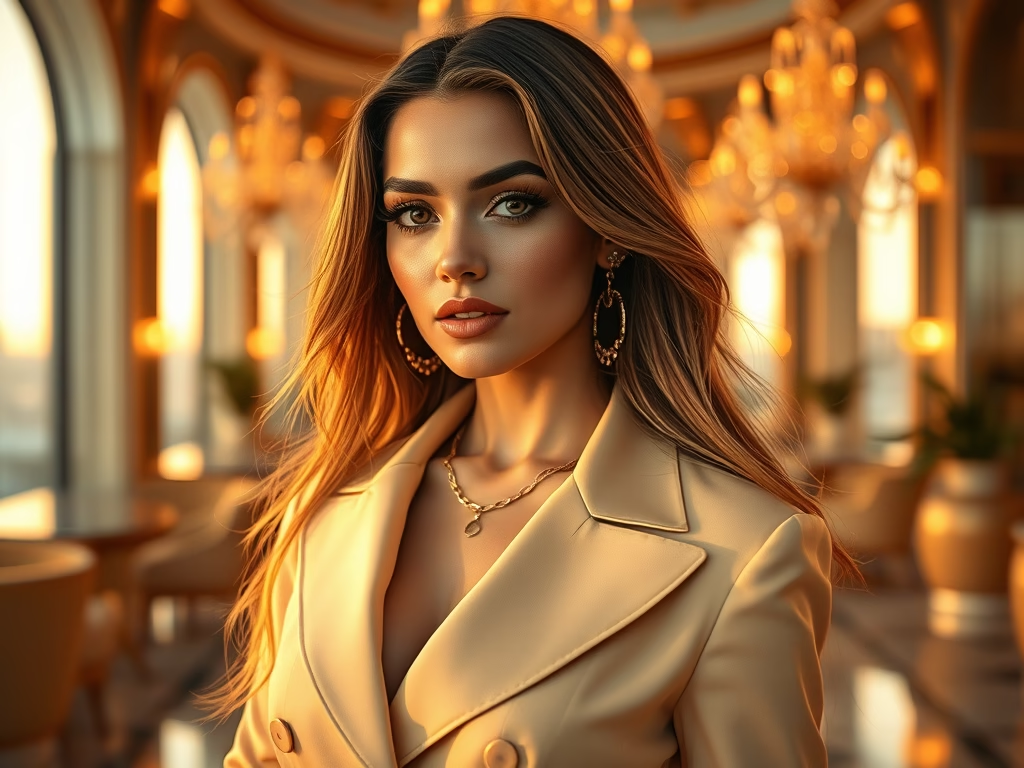
Creating professional AI influencer photos used to require a PC, heavy editing, and expensive tools.
But in 2025, everything can be done using only your phone — fast, simple, and fully mobile.
This guide shows you exactly how to create:
✔ luxury AI portraits
✔ lifestyle influencer shots
✔ businesswoman aesthetics
✔ fitness model photos
✔ fashion lookbook-style content
— all from your phone.
If you can screenshot, tap, and upload, you can build a full AI influencer image library today.
🟡 Step 1 — Install the Right Apps (Free + Paid Options)
To create high-quality AI influencer photos using just your phone, you only need three tools.
✔ 1. Midjourney Mobile (Free)
Used to generate the base photos.
✔ 2. Magnific AI (Optional but recommended)
Used to upscale and sharpen images to ultra-realistic quality.
✔ 3. CapCut Mobile (Free)
Used to edit colors, add filters, and finalize the aesthetic.
With these three apps, you can create viral-level content from anywhere.
🟡 Step 2 — Build the Look & Aesthetic
Before you generate any photos, choose a visual style for your influencer:
Luxury / Dubai Aesthetic
gold tones, rooftop views, makeup, premium outfits
Businesswoman / Corporate
blazers, office backgrounds, clean styling
Lifestyle / Travel Girl
cafés, beach, tennis courts, city walking shots
Fitness Model
gym, outdoors, leggings set, dynamic movement
Beauty & Fashion
soft glam, hair focus, editorial lighting
Pick ONE main aesthetic.
This helps your AI influencer look consistent and real.
🟡 Step 3 — Create the AI Photos in Midjourney Mobile
Here is the perfect prompt to create luxury influencer images:
ultra realistic portrait of a beautiful ai influencer woman, luxury aesthetic, long hair, soft golden hour lighting, premium fashion outfit, smooth skin, elegant pose, cinematic photo depth, 8k midjourney style
Tips for making better photos:
✔ use “golden hour”
✔ add fashion, jewelry, hair details
✔ add background details
✔ keep the same hair + face + style
✔ generate at least 8–12 variations
✔ save only the best 3–5
You can also create:
- full-body photos
- outfit lookbook shots
- lifestyle scenes
- close-up portraits
The more variety, the better your influencer profile looks.
🟡 Step 4 — Upscale the Photos (Magnific AI)
Midjourney is great, but Magnific AI makes the images look real.
What Magnific does:
✔ enhances skin texture
✔ sharpens eyes
✔ adds realistic lighting
✔ improves hair detail
✔ sharpens clothing and jewelry
All you need to do:
- Upload the Midjourney photo
- Choose “Enhance Realism”
- Download the upgraded version
This step alone makes your AI model look expensive and professional.
🟡 Step 5 — Final Edit in CapCut (Phone Only)
To make your photos match your influencer’s aesthetic, edit them in CapCut.
Best settings:
- Brightness: +10
- Highlights: +20
- Clarity: +15
- Glow: +10
- Temperature: +2 (warm luxury tone)
- Vibrance: +10
Use a soft luxury filter for consistent theme.
🟡 Step 6 — Create a Full Photo Set (Starter Pack)
For your influencer to look real, you need 20–30 images:
✔ 10 portraits
✔ 5 lifestyle shots
✔ 5 full-body photos
✔ 5 aesthetic photos (café, luxury, shopping, car, travel)
✔ 3 outfit combinations
This creates a complete content library for IG and TikTok.
🟡 Step 7 — Prepare the Photos for Instagram + TikTok
Instagram (Grid):
- 9 photos for the first impression
- luxury / consistent color palette
- mixture of close-up + lifestyle
TikTok (Photo Posts):
- convert photos to slideshows
- add text like:
“AI Beauty”
“Digital Muse”
“Luxury Aesthetic Girl”
Threads / X:
- 1–2 aesthetic photos per day
- short caption + personality
🟡 Step 8 — Build Your Influencer’s Identity
To make your AI influencer believable:
Add:
- name
- personality traits
- bio description
- tone of voice
- colors and fonts
- niche (lifestyle, luxury, business, fitness)
This creates a unified digital identity — the same method used by Nyra.
⭐ Conclusion
Creating AI influencer photos using only your phone is not only possible —
it’s the new standard for digital content in 2025.
With the right apps and a consistent aesthetic, your AI influencer can look as real and professional as any human model.
If you want custom AI influencer photos, branding, or full digital persona packages, visit:
👉 hustlewithnyra.com
⭐ FAQ
Do I need a computer for this?
No — everything in this guide is 100% phone-based.
How many photos do I need?
20–30 to start, then 10 per month.
Can I use these photos for clients and brands?
Yes — this is how modern AI agencies operate.